
Client onboarding is your first real opportunity to make a lasting impression. It sets expectations, builds trust, and influences how your clients perceive the quality of your service. Yet many businesses still rely on chaotic email threads and messy spreadsheets to get clients up and running.
The truth is, onboarding doesn’t have to be manual or time-consuming. With a well-structured automation workflow, you can ensure a fast, efficient, and consistent experience every single time. Whether you’re a consultant, agency, SaaS provider, or service-based business, the right tools can help you simplify intake, book calls, launch projects, and keep everyone on the same page.
Why Automate Client Onboarding?
Manual onboarding leads to delays, miscommunication, and inconsistent client experiences. One missed email or forgotten task can snowball into confusion and frustration. By automating your onboarding process, you reduce the risk of human error, speed up delivery, and create a repeatable system that scales as you grow.
Automation helps you:

- Collect accurate client data without chasing emails
- Standardize your kickoff process
- Keep your internal team aligned
- Deliver a smooth and professional experience
With just a few tools connected through smart workflows, you can go from chaos to clarity.
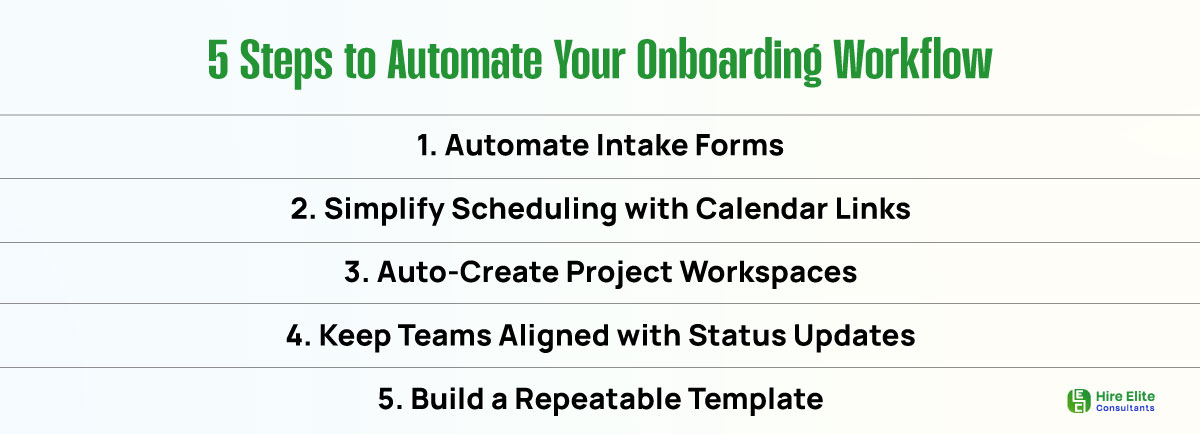
Step 1: Automate Intake Forms for Fast, Accurate Data Collection
Start by replacing emailed questionnaires with a clean, branded intake form. Tools like Typeform and Tally let you create beautiful forms that collect all the data you need business details, goals, access credentials, and more.
Once the form is submitted, use Zapier or Make to automatically send the responses to your preferred backend system. This could be Airtable, Google Sheets, or your CRM, like HubSpot or Pipedrive.
Automated intake means no more copying and pasting answers or searching for incomplete responses. You capture everything in a structured format from the start.
Step 2: Simplify Scheduling with Automated Calendar Links
As soon as a client completes the intake form, trigger an email or Slack message with a Calendly link to book their kickoff call. You can configure this in Zapier, HubSpot, or another automation tool of your choice.
Once the meeting is booked, send automated confirmation and reminder emails to attendees. You can also notify your internal team or update the CRM to reflect the scheduled call.
This eliminates the back-and-forth of calendar wrangling and ensures your team is ready with the necessary context.
Step 3: Auto-Create Project Workspaces in Your Task Manager
Once a client is booked and briefed, the real work begins. Don’t start from scratch every time. Use automation to launch a full project workspace in ClickUp, Asana, or Trello based on the service they purchased.
Tools like Zapier and Make can automate the creation of a project board from a form submission or CRM update. You can even pre-fill task lists, assign owners, and set due dates depending on the service type.
This saves time, standardizes delivery, and ensures no steps are skipped during setup.
Step 4: Keep Teams Aligned with Status Updates
Internal communication is key during onboarding. As clients move through each stage, send automated updates to Slack or email channels.
For example:
- Notify your success team when onboarding is complete
- Alert operations when access credentials have been received
- Mark the client stage in the CRM as “Onboarding Complete” or “Active”
Utilize webhooks or native integrations with your tools to keep everyone informed, eliminating the need for constant check-ins.
Step 5: Standardize the Process with a Scalable Template
Once your workflow is in place, save everything as a repeatable template. Document your intake form, email sequences, task templates, and automation logic in a shared workspace, such as Notion or Google Docs.
This makes onboarding repeatable across your team. Every client gets the same smooth experience, and your internal staff can execute confidently, even if someone new joins.
Templates also help you launch new services faster, since you already have a proven workflow to build from.
Automate the First Impression That Builds Trust
Client onboarding doesn’t have to be stressful. With the right no-code tools and automation workflows, you can build a process that feels effortless for your team and premium for your clients.
By automating intake, scheduling, project setup, and status updates, you create consistency, clarity, and confidence from day one. That strong start builds loyalty, improves retention, and frees your team to focus on what matters most: delivering great results.
Now’s the time to retire spreadsheets and email chains. Start small by automating one part of your onboarding process, and scale from there. Your future self (and your clients) will thank you.